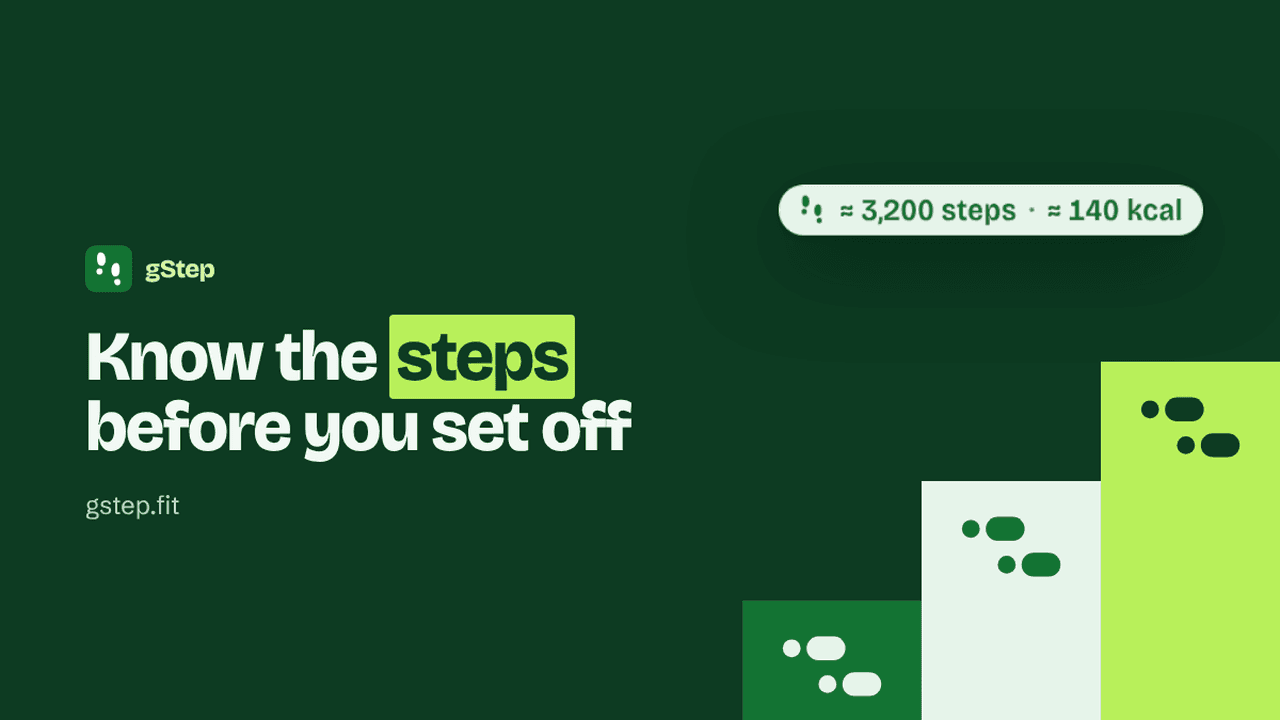
gStep is a free Chrome and Brave extension that shows how many steps a Google Maps walking route takes. It went from idea to the Chrome Web Store in under two weeks, built with Claude Code. This is how it was built, what changed once it met real use, and how we will judge whether it is worth more time.
Key takeaway
Small tools are cheap to build now, so the discipline moves to deciding up front how you will measure whether they are useful, and acting on what you find.
Google Maps will give you a good walking route and tell you nothing about how many steps it is. If you're chasing a step count (phone, watch, the lot), that's the one number you actually want.
So I built gStep. It's a free extension for Chrome and Brave that adds a small label under every walking route in Google Maps, showing roughly how many steps it takes. Add your height and weight and it shows the calories too.
It's a small tool. It's also a useful example of how we think about building with AI: make something quickly, put it in front of real use, and decide early how you'll know whether it was worth it.
From idea to store in under two weeks
The first working version came out of one Claude Code session on 17 October. By the end of that day it was showing labels on live Google Maps. It was live in the Chrome Web Store by 28 October.
The maths is simple. Your step is about 41% of your height, so a 180 cm person covers about 75 cm a step, and 1 km comes out at roughly 1,340 steps. A 2.4 km walk to the station and back is about a third of the way to 10,000. Calories use the ACSM walking equation with Google's own walking time. Both figures are rounded so they read as estimates, because hills, pace and fitness all change the real answer.
The harder part was Google Maps itself. It has no supported way for an extension to read routes, so gStep reads the text on the page ("24 min", "1.9 km") rather than Google's internal code, which changes often. A Maps redesign could still break it. That risk is written down in the README rather than hidden.
Around the extension, the same sessions produced a design system, a one-page website at gstep.fit, store images, a privacy policy and promo videos. A few years ago that list would have been a small agency project. Now it's a side project done in the gaps.
Experimenting in the open
Each session had one goal and ended with notes on what was done, what didn't work and what to do next. That log turned out to be the most useful thing in the project. When something went wrong, the reason was already written down.
Some experiments failed. The first walk-in animation snapped the footprints on and off, which flickered badly on live Maps at 14 pixels wide. Long routes pushed the label off the card. One session started work on the wrong website entirely. None of it was a big deal, because each was found in real use and fixed in the next session.
The best example came from a screenshot of gStep on a real walk. It showed 6,500 steps and only 125 calories for a 67-minute route. Working backwards, the steps were right but the calories implied someone weighing about 36 kg. The settings had 80 entered with pounds selected, when kilograms were meant. The code was correct. The design let a person make an easy mistake with nothing on screen to say so. gStep now shows a quiet note when a weight cannot go with the height, without ever refusing the value.
That came from real use. The automated tests run on mock Maps pages, and they would never have caught it.
Measuring without tracking anyone
Measuring gStep is harder than building it. It promises no server, no account and no analytics. Your height and weight never leave your browser. That rules out the usual way of finding out how a product is used.
So the measures had to come from places that need nothing inside the tool:
- Weekly users from the Chrome Web Store dashboard
- Search impressions and clicks from Google Search Console and Bing Webmaster Tools
- Tips on Ko-fi, which is the only income model
- Emails to hello@gstep.fit and store reviews
That's a smaller picture than full analytics. It's also a fair trade for a tool that handles health data, and it's enough to answer the questions that matter.
Deciding before the numbers arrive
The rule set at launch: publish free, watch weekly users for a month or two, then decide. If people keep using it, there are options (a version with daily totals and hill-aware calories, or a workplace-wellbeing edition). If they don't, it stays a free tool and the lessons go into the next build.
The point is to write the rule down before any data arrives. It stops you building features for users you hope exist. It's the same thing we ask clients to do with an AI pilot: agree the measure of success first, so the result tells you something.
What this means for your business
The cost of building a small, specific tool has fallen through the floor. That's good news, and it moves the effort. The building is quick, so the judgement goes into picking a real problem, testing it against real use, and being honest about whether it's earning its place.
If you have a small, annoying gap in your team's day that a tool could fill, that's a good place to start. Have a look at gstep.fit, and if you want to talk through a build of your own, get in touch for a chat.
Related reading
This post sits with our Build work.
This piece was written by Liam D. at Futureformed. If it sparked a thought, we’d be happy to continue the conversation.
Get in touchMore from the journal
Concise Deep Research: AI research with the receipts attached
The file formats that make AI cheaper and greener
Starting with AI, or stuck? Try the new AI Check
The five-minute AI check: what it tells you, and what it doesn't
Teach your AI that sometimes less is more.
Prompting Path: A Couch to 5K for AI
The AI Skill Gap Nobody Is Training For
You Are Never Going to Be Done Learning AI
You Don't Always Need the Biggest AI Model
How My Son and I Built a World Cup Tracker From Scratch
We Built a Mac App That Switches the AI Model Inside Claude Code and Codex
The AI Nightmares We Should Actually Be Having
We Built a Live Dashboard of Every AI Tool We Use, Here Is Why
Using Claude Cowork Efficiently in 2026
How We Built This: The Futureformed Website
AI Wattch: Seeing the Energy Cost of Your Prompts
The Hidden Cost of AI Agents
GreenPT: Sustainable AI That Doesn't Cost the Earth
AI Loyalty is Business Risk
Can't justify the compute? Give it the boot!
Breaking up from ChatGPT (it's not hard to do)
The Rise of the AI Orchestrator
The Hidden Dividend of AI: Giving Your People Their Time Back
AI Isn't a Tool. It's Your Next Operating System.
AI education is vital, but it doesn't need to be complicated
Shadow AI is already in your business. The question is what you do next.
AI isn't failing your business. Your change management is.
The first question I ask every client, and it's never about AI
AI transparency: This article was written by Liam D. The analysis, views, and conclusions are his own.